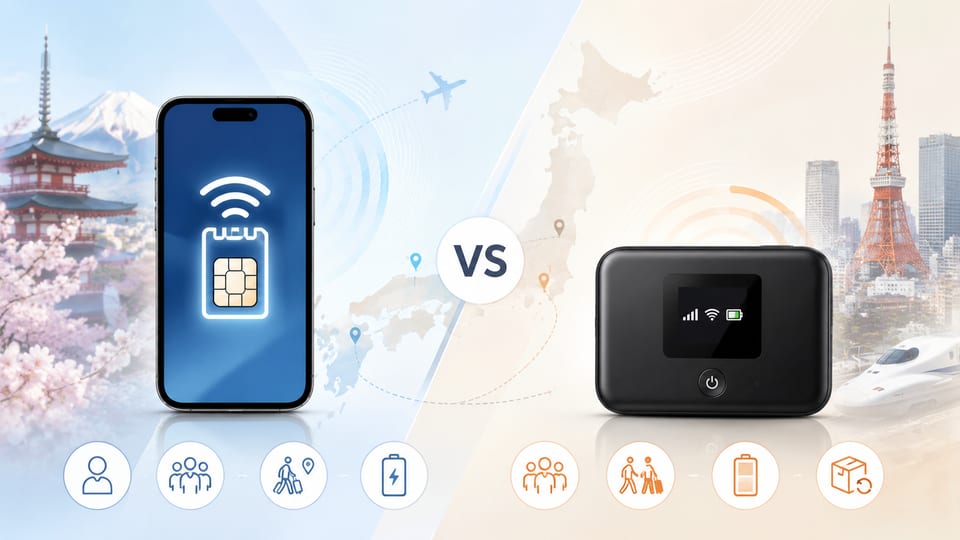
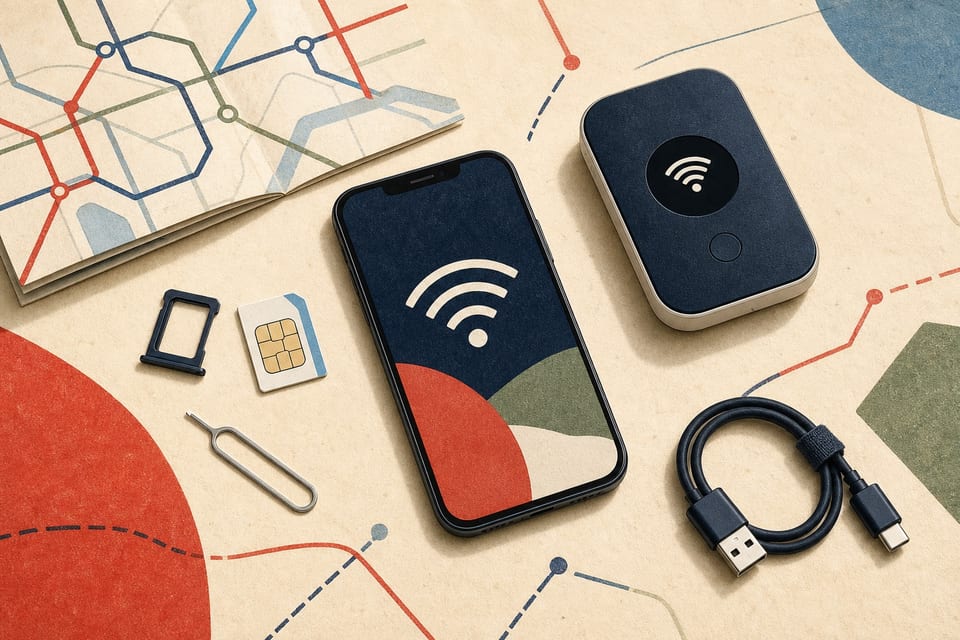
Key takeaways
- Check your phone’s carrier-lock status and eSIM support before paying for a plan.
- Decide how many people and devices need a connection.
- Check pocket Wi-Fi pickup, charging, and return requirements.
- Ask your home carrier about international roaming terms and charges.
- Do not rely on free Wi-Fi as your only connection during the trip.
- This guide does not compare current prices, speeds, coverage, or provider rankings.
Check these three things first
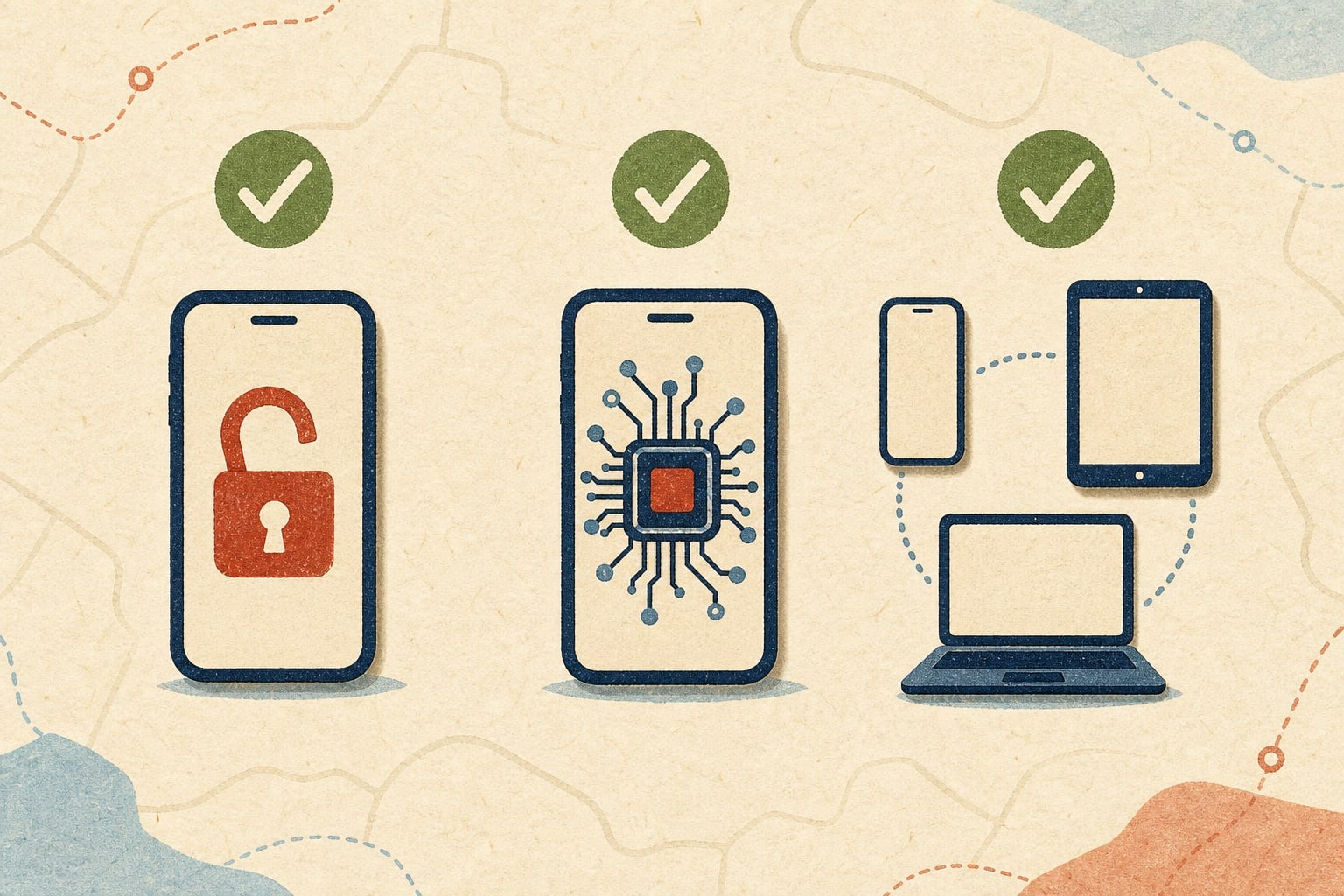
1. Is your phone carrier-unlocked?
The Japan National Tourism Organization (JNTO) says that a phone must be unlocked to use a travel SIM. Apple also says that an iPhone must be unlocked to use an eSIM from another carrier.
The exact checking method depends on your phone and carrier. Use the support page for your exact model and ask your current carrier if the status is unclear.
2. Does your exact model support eSIM?
Both the phone and the chosen carrier must support eSIM. Do not decide from the brand name alone. Check the full model number, where the phone was sold, and the manufacturer’s current support information.
Some eSIM setup steps also need an internet connection. Complete the setup before departure when the provider permits it, or make sure you will have Wi-Fi when you activate the plan.
3. How many devices need to connect?
For one compatible phone, eSIM or a physical SIM can keep the setup compact. Pocket Wi-Fi can be useful when several phones, tablets, or laptops need to share one connection. It also adds another device that must be collected or delivered, charged, carried, and returned.
Compare the main options
| Option | Practical when | Check before choosing | Main limitation |
|---|---|---|---|
| International roaming | You want to keep your home SIM and change as little as possible. | Your carrier’s Japan coverage, data allowance, charges, and activation rules. | Terms and charges depend on your home carrier. |
| eSIM | One unlocked, eSIM-compatible phone needs mobile data. | Exact phone model, carrier support, activation timing, and tethering terms. | Not every model, sales region, or carrier combination is compatible. |
| Physical travel SIM | Your unlocked phone has a compatible SIM tray. | SIM size, phone compatibility, plan terms, and what happens to your home SIM. | You must handle a physical card and may need to store your home SIM safely. |
| Pocket Wi-Fi | Several devices need to share a connection. | Pickup or delivery, battery needs, return method, and the number of supported devices. | You must carry, charge, and return another device. |
| Free Wi-Fi | You need a temporary backup at an airport, hotel, or other available location. | Availability and connection instructions at each location. | Availability and connection quality are not consistent enough for it to be your only plan. |
How to choose
Step 1: Check your home carrier’s roaming option
Ask what applies in Japan, including the data allowance, charges, speed restrictions, and activation method. This gives you a baseline before you compare another option.
If you use an iPhone with both your home line and a travel eSIM active, review Apple’s current guidance and your carrier settings. Apple warns that the home line may still incur roaming charges in some configurations.
Step 2: Remove incompatible options
If the phone is locked, a travel eSIM or physical SIM from another carrier may not work. If the exact model does not support eSIM, remove eSIM from the list. If the phone has no compatible physical SIM tray, remove a physical SIM.
Step 3: Use your device count and itinerary
One traveler with one compatible phone may prefer the smaller setup of eSIM or a physical SIM. A group carrying several devices may find pocket Wi-Fi easier to share, as long as the group can stay near the device and manage charging and return.
For an itinerary with an early departure, check whether the pocket Wi-Fi return method will still be practical. If members of the group often separate, one shared device may be less convenient.
Step 4: Recheck the provider’s current terms
Before paying, confirm:
- your exact phone model and carrier-lock status;
- activation timing and any internet connection needed for setup;
- data allowance, restrictions, and tethering terms;
- pickup, delivery, charging, and return requirements for pocket Wi-Fi;
- price, currency, taxes, cancellation terms, and customer support; and
- whether the plan will still be valid on every date of your trip.
These details can change. Use the provider’s current official page rather than an old screenshot or social media post.
Where free Wi-Fi fits
JNTO says that Japan’s major international airports provide free Wi-Fi, although the connection method differs by airport. It also notes that Wi-Fi is common in major-city hotels, while some smaller or rural accommodation may not offer it. Some free services can also be patchy or slow.
Free Wi-Fi can help when you arrive, activate another service, or need a short backup. It is safer to plan another connection for maps, transport information, translation, and booking details while moving between locations.
Common mistakes to avoid
- Buying an eSIM before checking the exact phone model and carrier-lock status.
- Assuming every phone from the same brand has the same SIM features.
- Leaving eSIM setup until arrival without checking whether setup needs Wi-Fi.
- Keeping the home line active without checking possible roaming charges.
- Choosing pocket Wi-Fi without checking charging and return requirements.
- Planning to use free Wi-Fi as the only connection for the whole trip.
Evidence and limits of this guide
This is an informational guide based on the official JNTO and Apple pages listed below. The author has not bought, activated, speed-tested, or returned the services described here for this article.
The guide does not claim that one provider is the cheapest, fastest, or best. It also does not compare current prices, data limits, coverage, discounts, or stock. Check those details on official provider pages immediately before buying.
Your next step
Find your phone’s exact model number, check whether it is carrier-unlocked, and confirm whether that model supports eSIM. Then compare only the options that work with your device and travel plan.
Sources2 checked
- Japan National Tourism Organization, "Wi-Fi & Connectivity"Checked 2026-07-26